1
Artifacts that look like your company made them
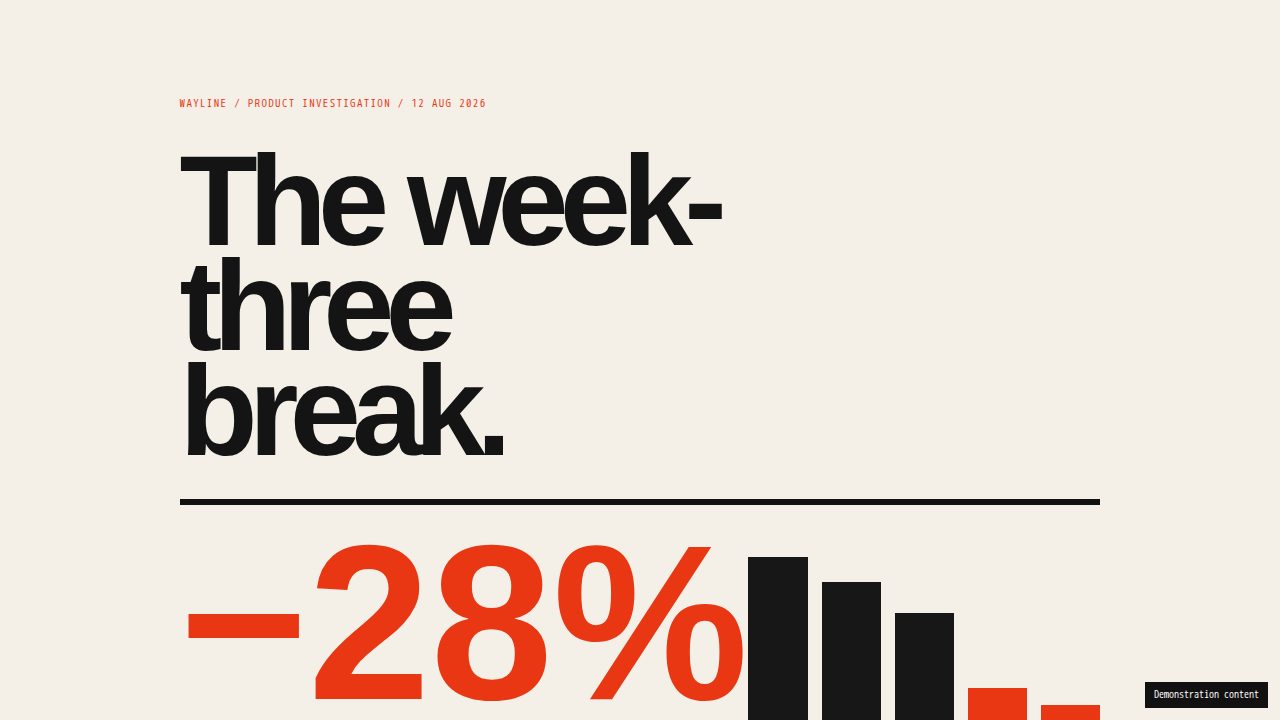
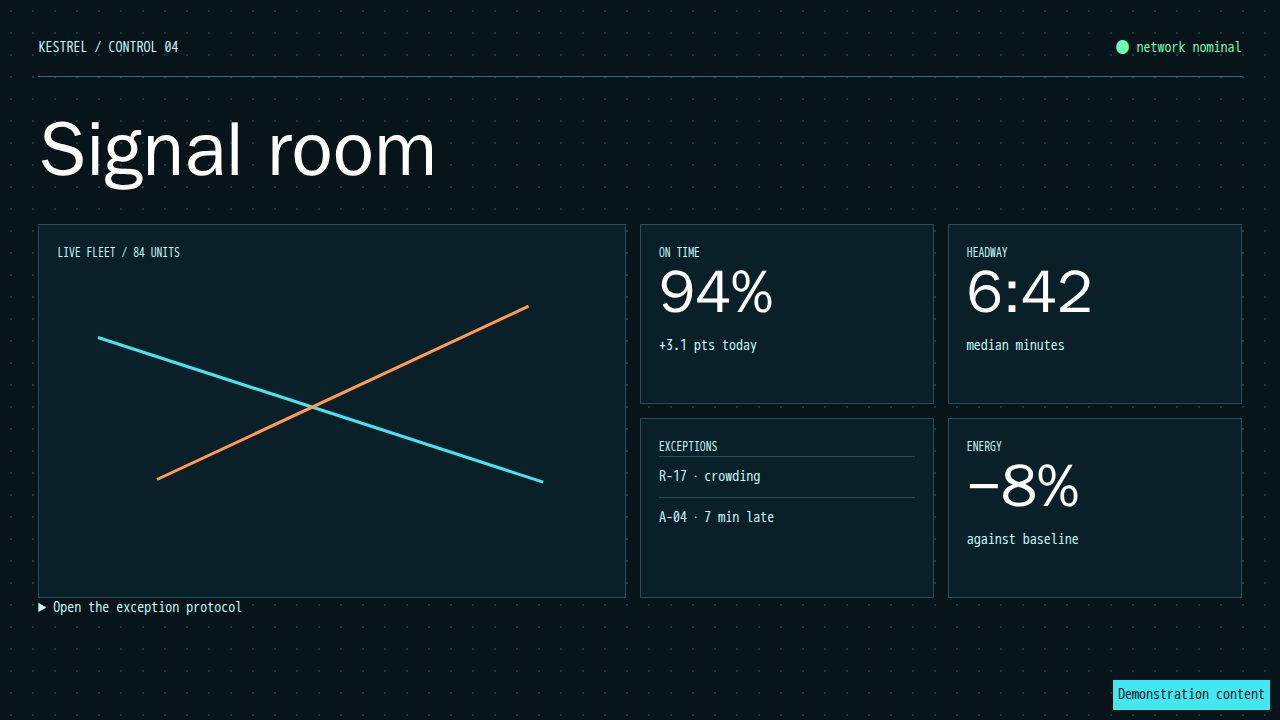
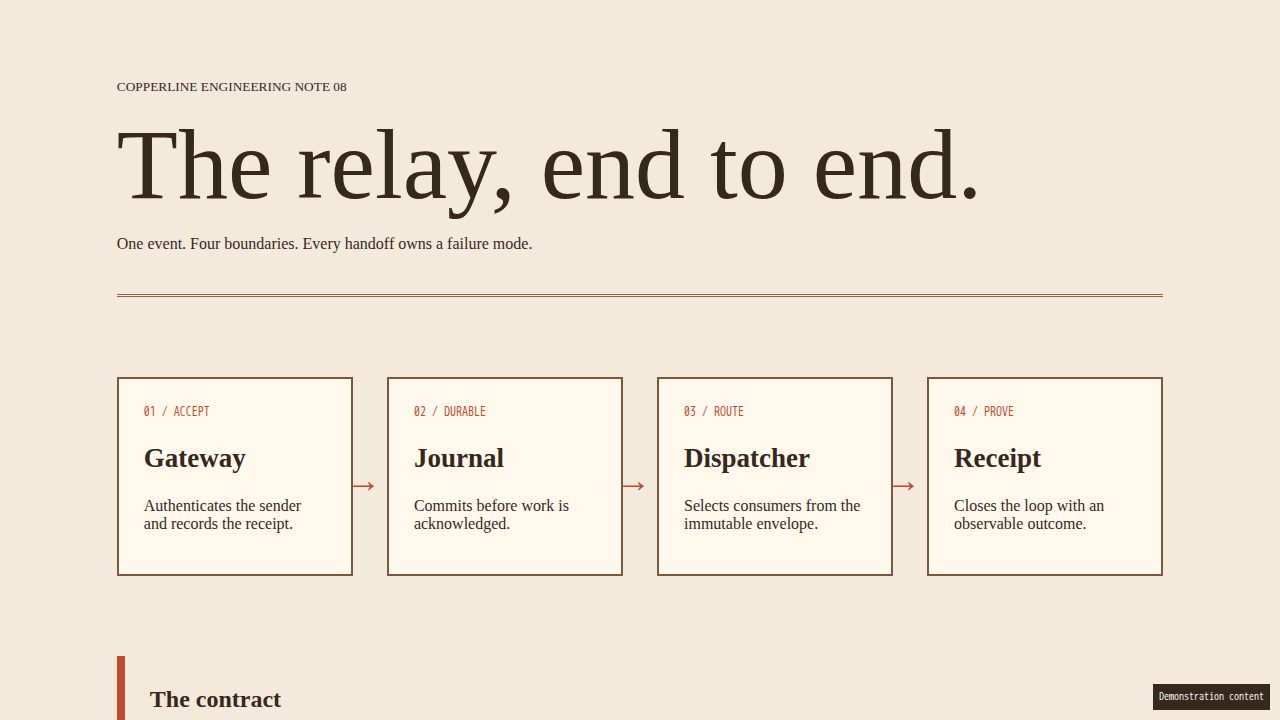
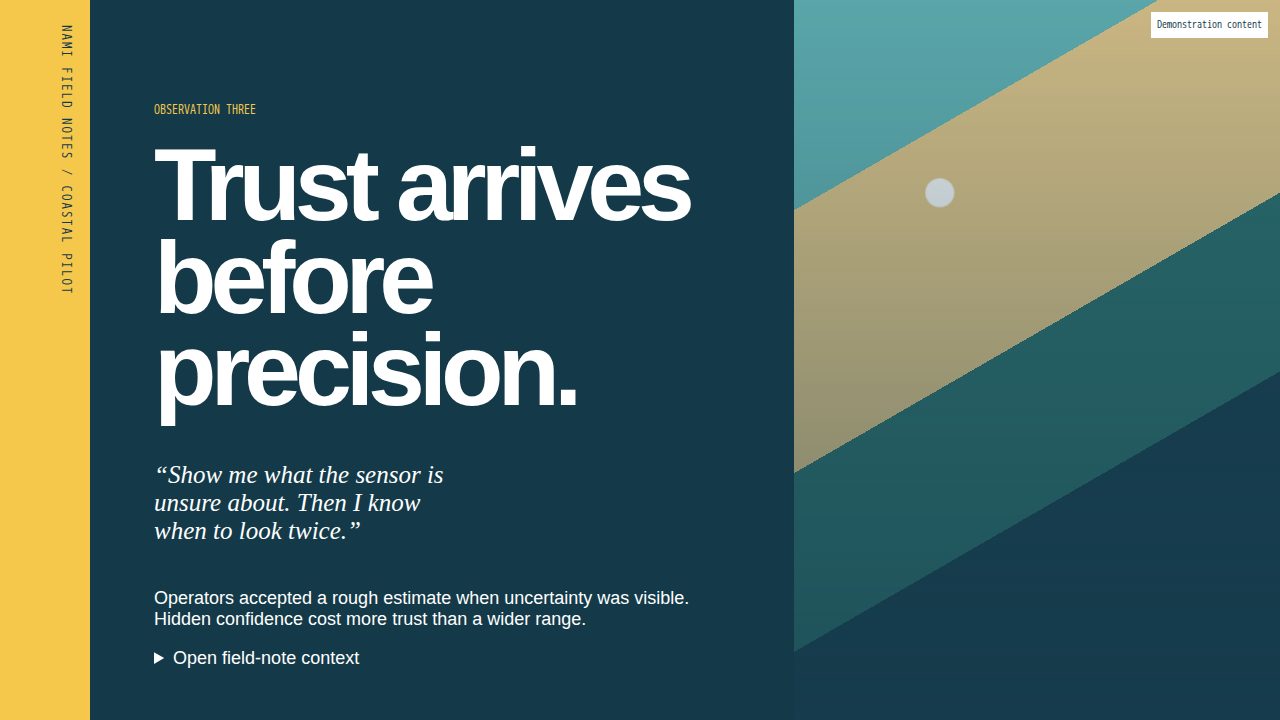
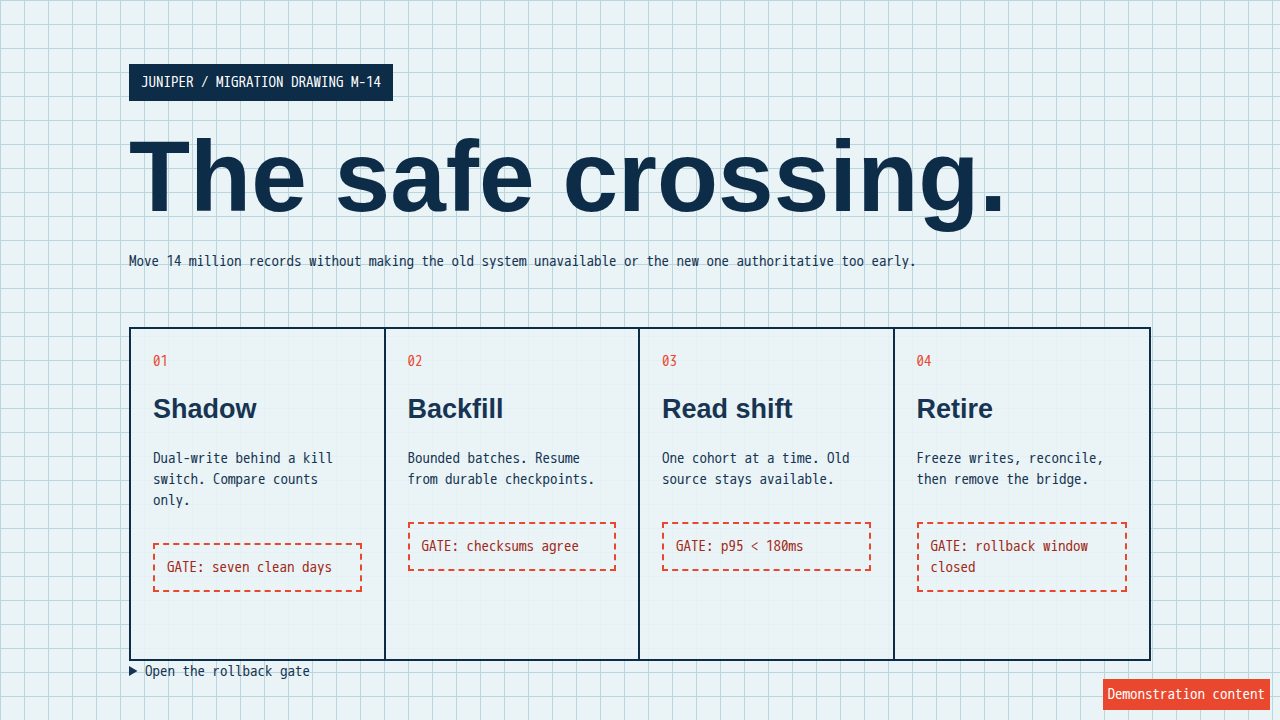
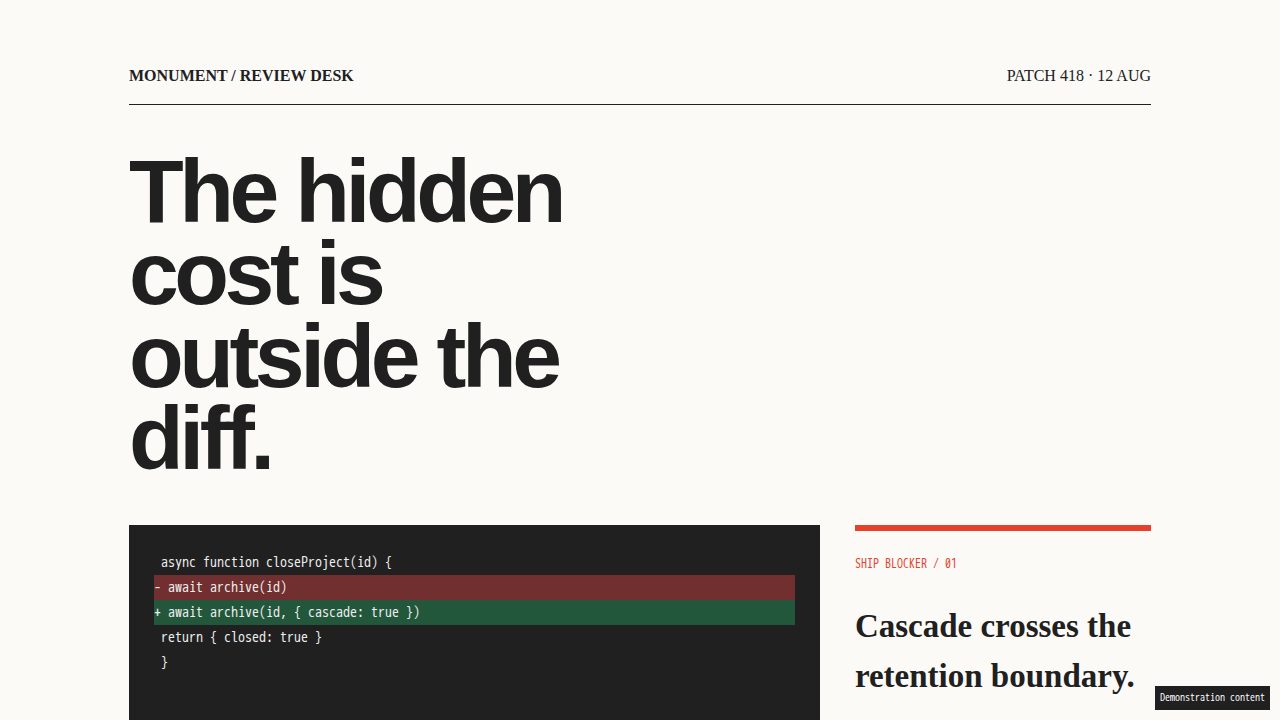
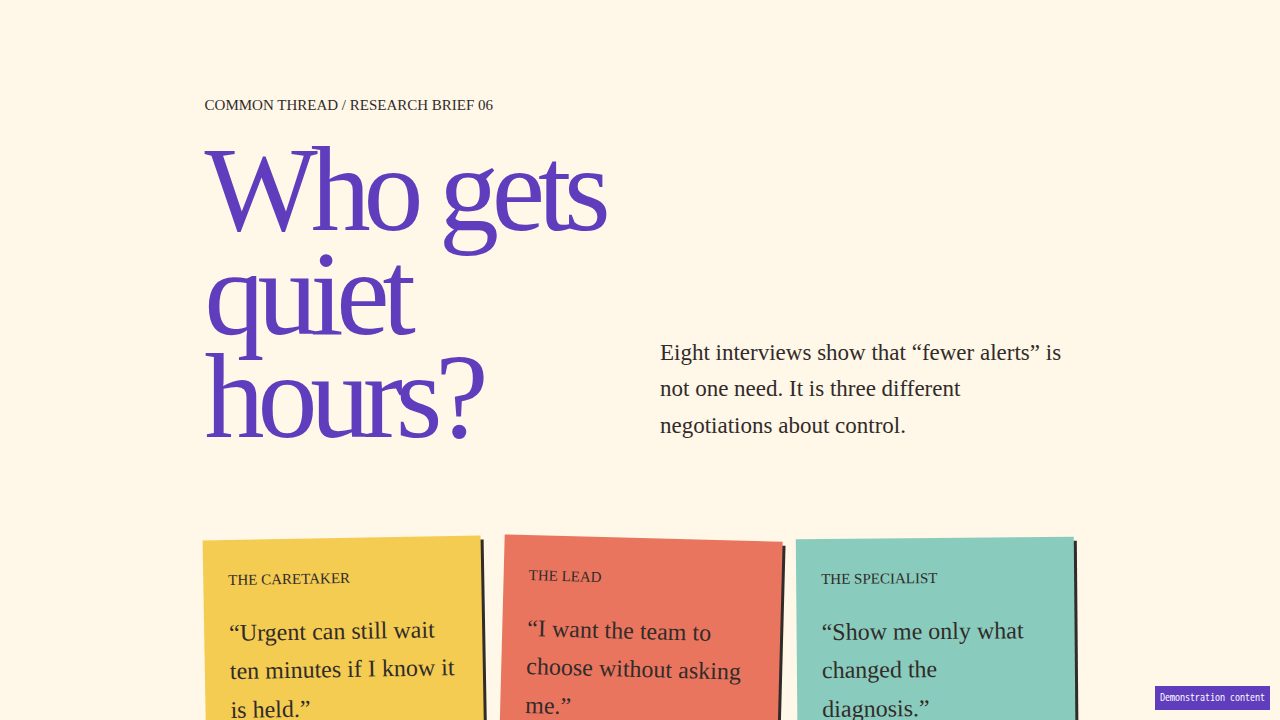
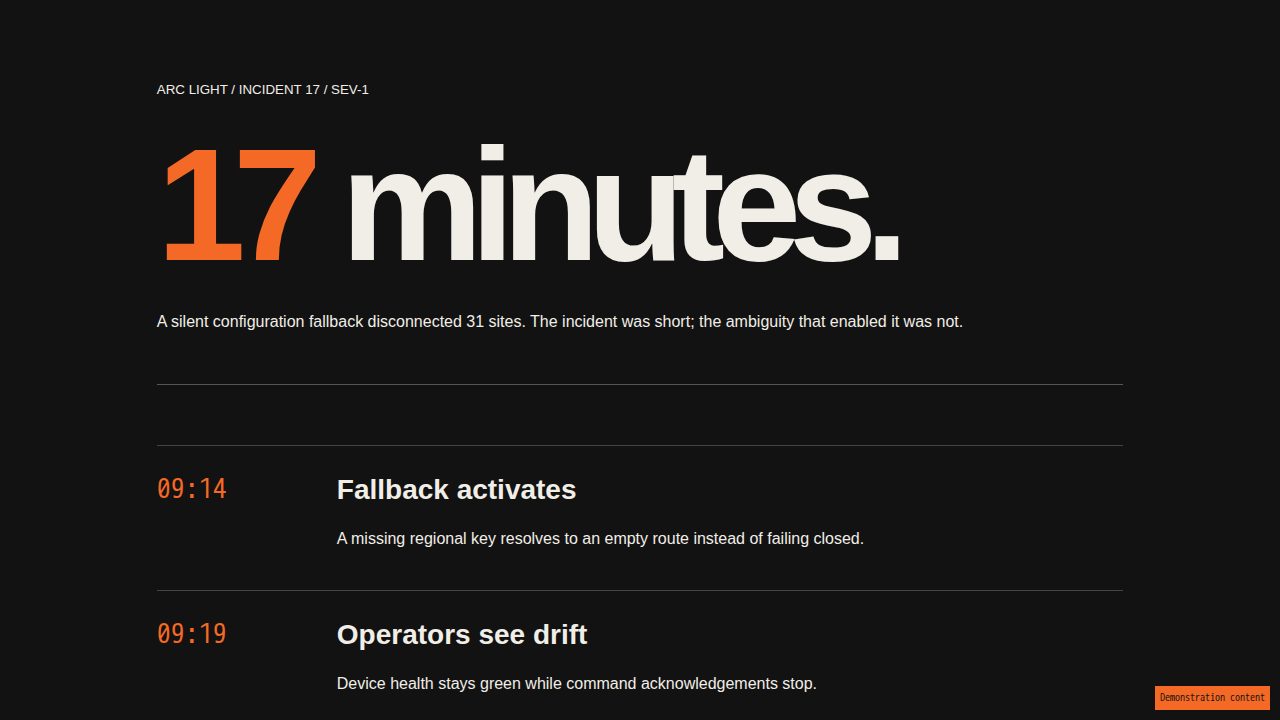
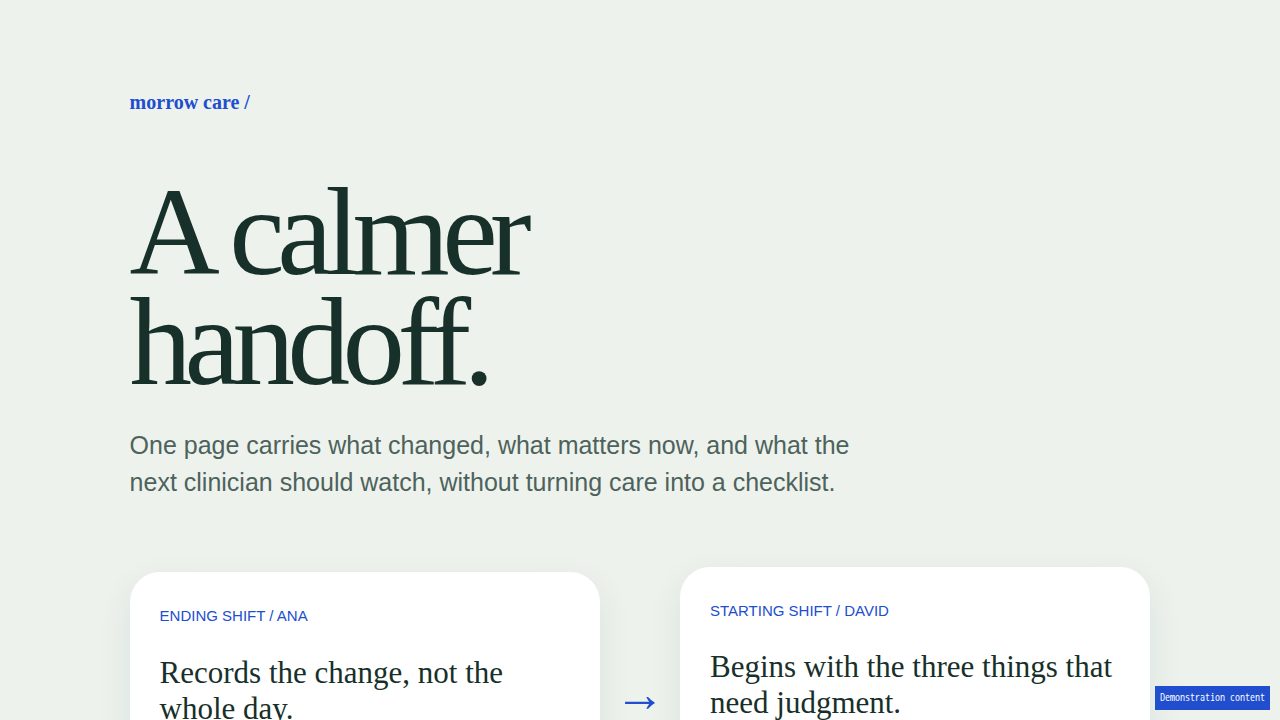
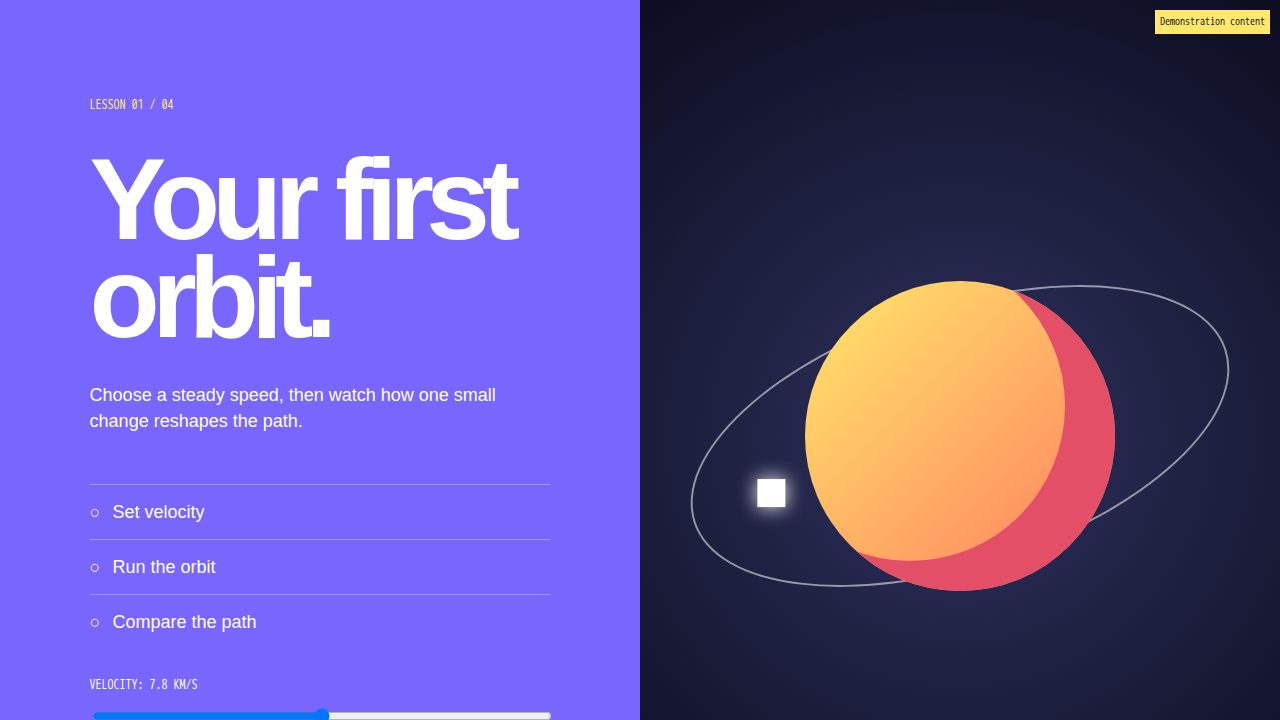
Agents learned from the same SaaS templates: Inter, a big header, a row of metric cards. visualize starts from your brand or one of 40 design systems instead.
Teach visualize your fonts, colors, and voice once. Your agent uses them from the first draft.
Paste it into your agent.
Fetch https://usevisualize.ai/agent-setup.md and follow the instructions.It checks your setup and asks before making changes. Works with Cursor, Codex, Claude Code, OpenCode, Hermes, and Pi.
Use your brand, start from a built-in design system, or ask your agent to explore a few directions.
Apply Editorial to this report. Replace the project’s visual styling for this artifact only; keep its logo, content, section order, and behavior.
Agents learned from the same SaaS templates: Inter, a big header, a row of metric cards. visualize starts from your brand or one of 40 design systems instead.
Pasting brand colors into every prompt doesn’t last, and agents forget between sessions. teach saves your brand in your project, so every new artifact starts from it.
explore artifact puts different directions for the same document side by side, at desktop and phone width. You pick one before anything changes.
Six commands, each with one job: simplify, bolder, quieter, animate, polish, and review, which only reports what it finds and never edits the file.
visualize picks a template from what you ask for, styles it with your brand, and saves one HTML file that opens in any browser.
Reports, architecture overviews, decks, reviews, and plans, each made for its audience. They are real HTML files with fictional companies and sample data.
Use them to change a document you already have, without touching the HTML.
Choose what it can inspect. Review what it learns. Nothing is saved until you approve it.
You decide where visualize may look.
It finds the obvious choices and asks about anything unclear.
visualize shows you every proposed file before it writes anything.
Only after you approve it does visualize save the guide in your project.
Your visual direction becomes reviewable project files. The next report, presentation, or diagram starts from the same approved choices.
You don’t need a command. Ask in your own words and your agent uses visualize.
“Create a plan.”
“Make me a diagram.”
“Polish this report.”
“Use my brand.”
In Claude Code, type /visualize and what you want, for example /visualize teach. Cursor, Codex, Copilot, OpenCode, Gemini, and Claude.ai start visualize when you ask in plain words.
| /visualize <topic-or-path> | Makes a new document from your request, in your brand, as one HTML file |
| /visualize teach | Learns your brand, or updates what it already knows |
| /visualize explore artifact <topic-or-path> | Shows different directions for one document side by side |
| /visualize explore system <topic-or-path> | Shows different design systems for your project before you pick one |
| /visualize polish <path> | Tidies alignment, spacing, and consistency before you share it |
| /visualize review <path> | Points out problems without changing the file |
| /visualize simplify <path> | Removes decoration and structure the reader doesn’t need |
| /visualize bolder <path> | Adds contrast and scale so the design feels more confident |
| /visualize quieter <path> | Calms the design down and keeps the most important parts first |
| /visualize animate <path> | Adds motion where it helps, and turns it off for people who prefer less motion |
| /visualize publish <path> | Publishes the document to a hosting service you choose |
It checks your setup, tells you exactly what it plans to change, and waits for your approval.
Paste it into your agent.
Fetch https://usevisualize.ai/agent-setup.md and follow the instructions.Fetch https://usevisualize.ai/agent-setup.md and follow the instructions.
I’ll check which agent is running and whether visualize is already installed before I change anything.
I found no existing copy. I can add the reviewed visualize release to this project at .agents/skills/visualize.